
Content Menu
● Why Computer Shipments Get Damaged
● International Shipping Notes
● Where Custom Packaging Helps
● FAQ
>> 1. What is the safest way to ship a computer?
>> 2. Should I ship a computer in its original box?
>> 3. Do I need anti-static bags for computer parts?
>> 4. Can I ship a desktop PC fully assembled?
>> 5. Is double-boxing really necessary?
>> 6. Should I insure a computer shipment?
Shipping a computer safely depends on strong packaging, anti-static protection, and stable box construction. This guide explains how to prepare, pack, double-box, and ship desktop PCs, laptops, and components with less risk of damage.
Shipping a computer safely takes more than tape and bubble wrap. The key is to stop movement, cushion impact, and protect sensitive electronics from pressure, vibration, and static during transit.
Why Computer Shipments Get Damaged
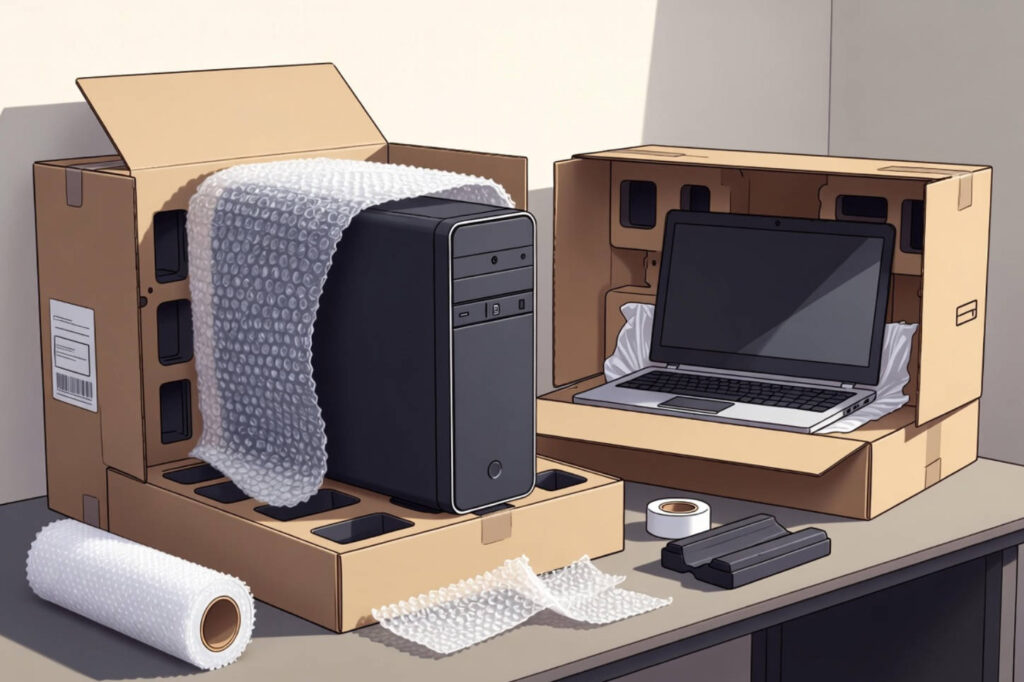
Computer damage during shipping usually comes from a few predictable problems. The package may shift too much inside the box, the outer carton may crush under stacking pressure, or internal parts may loosen when exposed to vibration.
Desktop towers are especially vulnerable because heavy components can stress the motherboard. Laptops are smaller, but their screens, hinges, and battery areas can still fail if the package is not properly secured.
Materials You Need
A safe shipment starts with the right materials. Use a sturdy corrugated outer box, an inner box if possible, anti-static protection for components, cushioning material, and strong packing tape.
Recommended materials include:
– Double-walled corrugated box.
– Anti-static bag for bare components.
– Bubble wrap or foam inserts.
– Packing peanuts or air pillows for void fill.
– At least 2-inch packing tape.
– Labels for handling and orientation.
If you are shipping a high-value computer, a custom-fit box or insert system can improve stability and reduce empty space inside the package.
How to Prepare the Device
Before packing, back up all important data and shut the computer down completely. Disconnect accessories, cables, and removable devices, then inspect the machine for loose parts or visible damage.
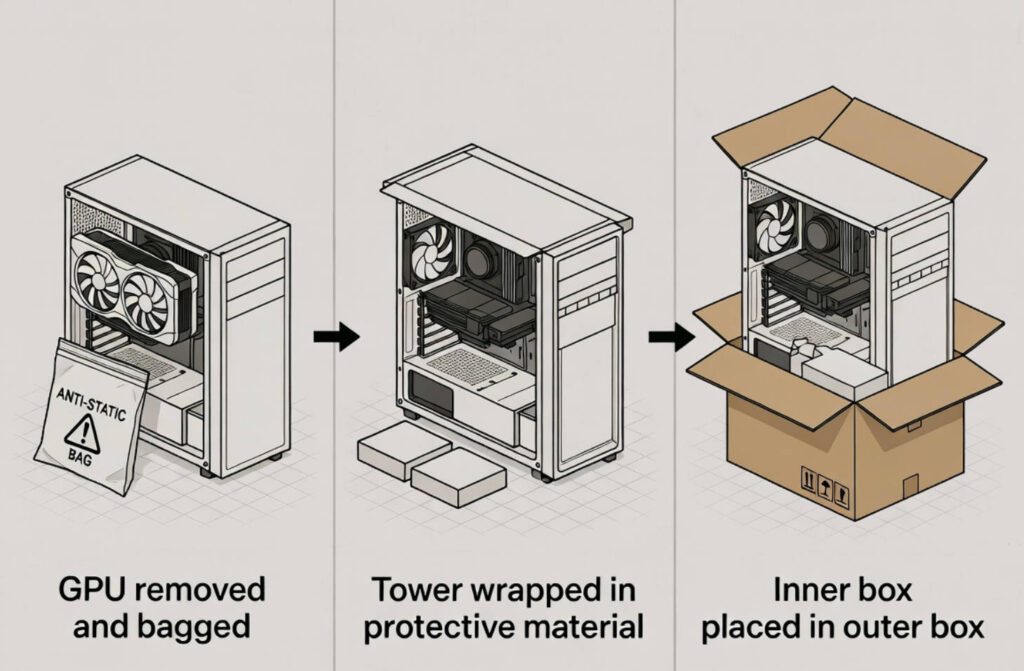
For desktop PCs, remove large or fragile parts when possible, especially heavy graphics cards and oversized CPU coolers. These parts can shift and damage other internal components if the tower is shipped fully assembled.
For laptops, close the device carefully and protect the screen area from pressure. If the battery is installed, make sure the device is fully powered off and follow the carrier’s current battery rules.
Packing a Desktop PC
The safest method for shipping a desktop PC is to combine internal stabilization with double-boxing. First, wrap the computer in protective material and place it in a snug inner box with no movement.
Then place that inner box inside a larger outer box with cushioning on every side. The goal is to keep the inner box suspended so outside shocks do not reach the computer directly.
Follow these steps:
1. Place removable components in anti-static bags.
2. Wrap the tower in cushioning material.
3. Pack it into an inner box with no empty space.
4. Place the inner box into a larger outer box.
5. Fill all sides with cushioning.
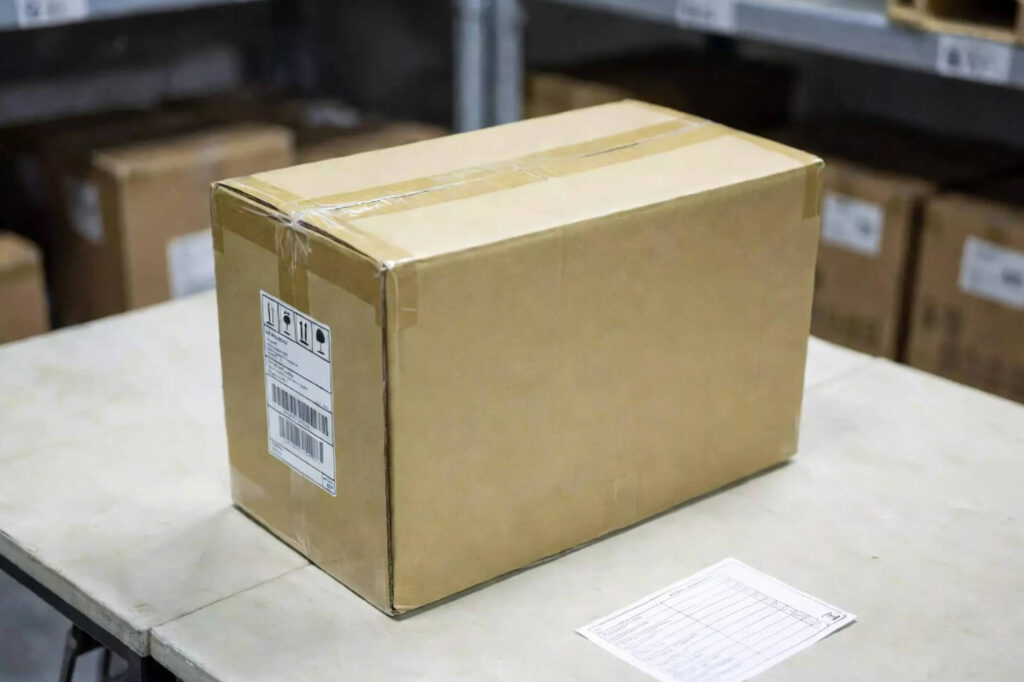
6. Seal all seams tightly with tape.
A shake test helps confirm the package is secure. If anything moves inside the box, repack it before shipping.
Packing a Laptop
Laptops need a different approach because the main risk is screen and hinge damage. Use a padded laptop box or the original packaging if it is still in good condition, then place that box inside a second outer carton for extra protection.
Before packing, protect the keyboard and screen from rubbing against each other. Wrap the device in a soft protective layer, then place cushioning material around it so it stays fixed in place.
For laptop shipments, make sure:
– The device is fully powered off.
– The screen is protected from pressure.
– Cables and chargers are packed separately or cushioned well.
– The box has no loose space inside.
If you ship laptops often, a purpose-built laptop shipping box can make the process faster and more consistent.
Anti-Static Protection
Static electricity is easy to overlook, but it can harm sensitive electronics. Bare components such as motherboards, RAM, SSDs, and graphics cards should be placed in anti-static bags before any other wrapping is added.
This matters most when shipping individual components or refurbished parts. Even if the item looks physically protected, static discharge can still create hidden internal damage.
Double-Boxing Method
Double-boxing is one of the most reliable ways to protect electronics in transit. The inner box holds the product tightly, while the outer box absorbs the abuse of shipping.
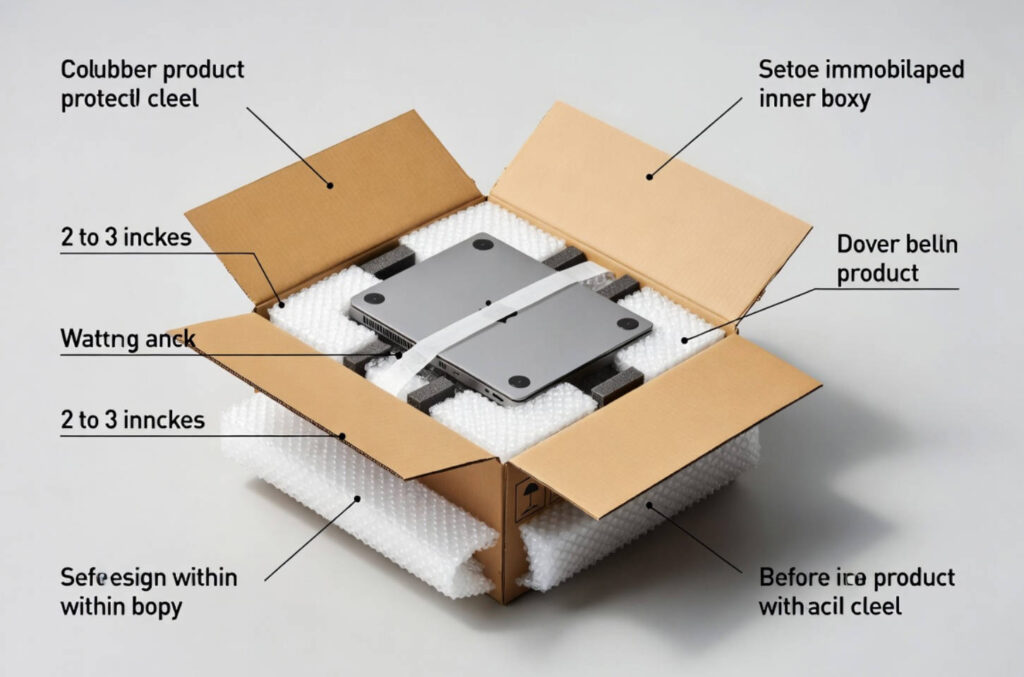
A good double-box setup usually leaves a cushion of about 2 to 3 inches between the inner box and the outer box. That buffer helps absorb impact from drops, bumps, and stacking pressure.
Use this method whenever the device is valuable, fragile, or likely to travel a long distance. It is especially useful for desktops, high-end laptops, and system components.
Accessories and Cables
Do not let accessories bounce around inside the same compartment as the computer. Chargers, cords, mice, and other add-ons can scratch the casing or press against fragile parts.
Pack accessories separately when possible. If they must travel in the same box, wrap each item individually and place them in a padded section away from the main device.
This also helps reduce confusion when the shipment is unpacked. Each item stays organized, easier to inspect, and less likely to arrive damaged.
Shipping Checklist
Before you seal the package, run through a quick final check. This simple list helps reduce mistakes and makes the shipment more reliable.
– Back up data.
– Power down the device fully.
– Remove fragile components when needed.
– Wrap the device in protective material.
– Use anti-static bags for bare parts.
– Eliminate all movement inside the box.
– Double-box the shipment.
– Seal every seam firmly.
– Photograph the packed item for records.
– Confirm shipping rules for batteries and destination requirements.
A careful checklist is often the difference between a successful delivery and a costly return.
Insurance and Tracking
High-value electronics should never be shipped without tracking. Insurance is also worth considering, especially when the computer is expensive or being sent across long distances.
Keep photos of the device, the packing process, and the sealed carton. If a claim is ever needed, those images can help document the condition before shipment.
For businesses, tracking and insurance are also part of the customer experience. They reduce uncertainty and make the delivery process easier to manage.
International Shipping Notes
International shipments add another layer of complexity. Customs paperwork, delivery timelines, and battery regulations can all affect how the package moves.
Use a clear product description on shipping documents. If the computer includes a battery, make sure the shipment follows the rules for that destination and carrier service.
It is also smart to plan for longer transit times. More handling means more chance of impact, so the packaging should be stronger than what you would use for local shipping.
Where Custom Packaging Helps
Custom packaging can improve both protection and presentation. A well-designed box or insert system reduces void space, supports the device better, and makes packing more efficient.
This is especially valuable for manufacturers, resellers, and brands that ship computers at scale. When the packaging is built for the product, the pack-out process becomes more consistent and the delivery experience becomes more reliable.
Réflexions finales
The safest way to ship a computer is to combine careful preparation, strong materials, anti-static protection, and stable double-box packaging. Whether you are shipping a desktop PC, a laptop, or internal components, the goal is always the same: keep the device still, cushioned, and protected from impact.
For businesses that want a more reliable and brand-ready solution, custom packaging is often the best long-term answer.
FAQ
1. What is the safest way to ship a computer?
The safest method is to power it down, protect sensitive parts, use cushioning, and double-box the shipment so the device cannot move during transit.
2. Should I ship a computer in its original box?
Yes, but it is usually better as the inner box inside a larger outer carton. That adds more protection against impact and crushing.
3. Do I need anti-static bags for computer parts?
Yes, especially for bare components like graphics cards, motherboards, RAM, and SSDs.
4. Can I ship a desktop PC fully assembled?
You can, but it is safer to remove large or fragile parts such as heavy GPUs and oversized CPU coolers when possible.
5. Is double-boxing really necessary?
For valuable or fragile electronics, yes. Double-boxing helps absorb shocks and reduces the chance of damage from rough handling.
6. Should I insure a computer shipment?
For expensive devices, insurance is strongly recommended because it helps reduce financial loss if the package is damaged or lost.
References
1. – Packlane. [How to Ship a Computer Safely: A Step-by-Step Tutorial]
2. – FedEx. [How to Ship a Computer]
3. – UPS. [How To Ship a Laptop]
4. – ISTA. [ISTA Procedure 3A Overview]
5. – UL. [ISTA Packaging Test and Certification]
6. – Swiftpak. [The Complete Guide to Anti-Static Packaging]
7. – FedEx. [How to Ship Wet, Dry, and Lithium Batteries]
Hot Tags: Custom Packaging, Manufacturers, Customized, Custom, Suppliers, Buy, Cheap, Quality, Advanced, Durable, in Stock, Made in China, Price, Quotation, Free Sample
 English
  Spanish
  French
  German
  Russian
  Japanese
  Portuguese
  Arabic